

Durable runbooks
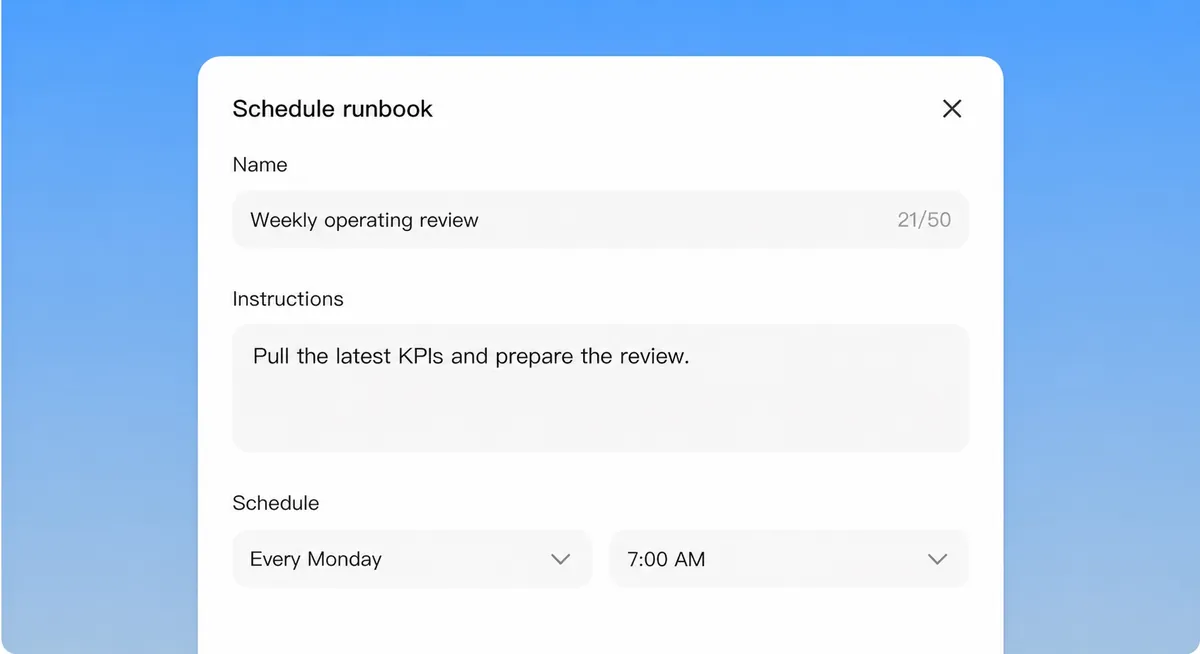
Schedule recurring work.
Write the task in plain English, choose when it runs, and review the result when it is done.
Run agents across your files, browser, and apps on macOS and Windows.
Private preview for macOS and Windows.
What did the Monday ops review turn up? Give me the exceptions, not the green checks.
The scheduled runbook ran at 06:00 across the systems. Reconciled the queues and pulled the exceptions.
Clean across most of the book. Three exceptions need a human: two vendor SLA breaches and one invoice that does not match its PO. Summary and the exception list are ready.
ops-review-w22.docxsummaryexceptions-w22.xlsx3 itemsRoute the invoice mismatch to AP and the SLA breaches to the vendor owners.
Drafted the routing: AP for the invoice, the two vendor owners for the SLA breaches, each with the evidence attached.
Clean across most of the book. Three exceptions need a human: two vendor SLA breaches and one invoice that does not match its PO. Summary and the exception list are ready.
Drafted the routing: AP for the invoice, the two vendor owners for the SLA breaches, each with the evidence attached.
Reconcile orders vs fulfillment: 1,204 orders
Check vendor SLAs: 2 breached
Match invoices to POs: 1 mismatch
A local execution surface
Durable runbooks
Write the task in plain English, choose when it runs, and review the result when it is done.
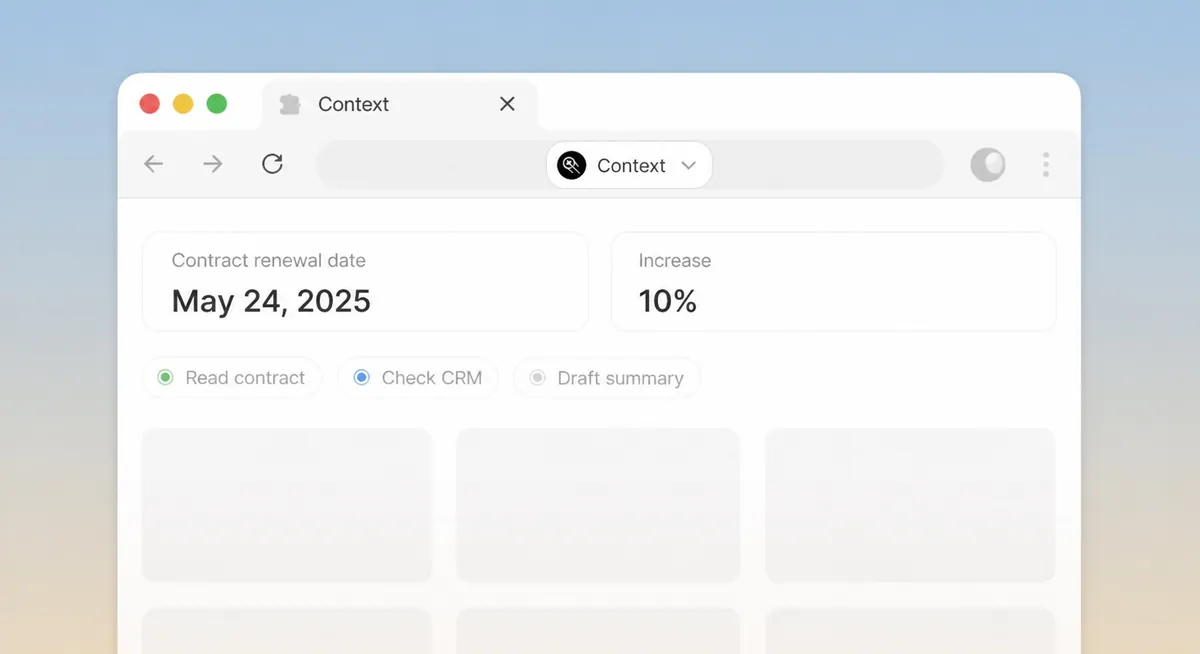
Permissioned browser actions
Context can navigate browser tabs, read information, and complete multi-step tasks using your access.
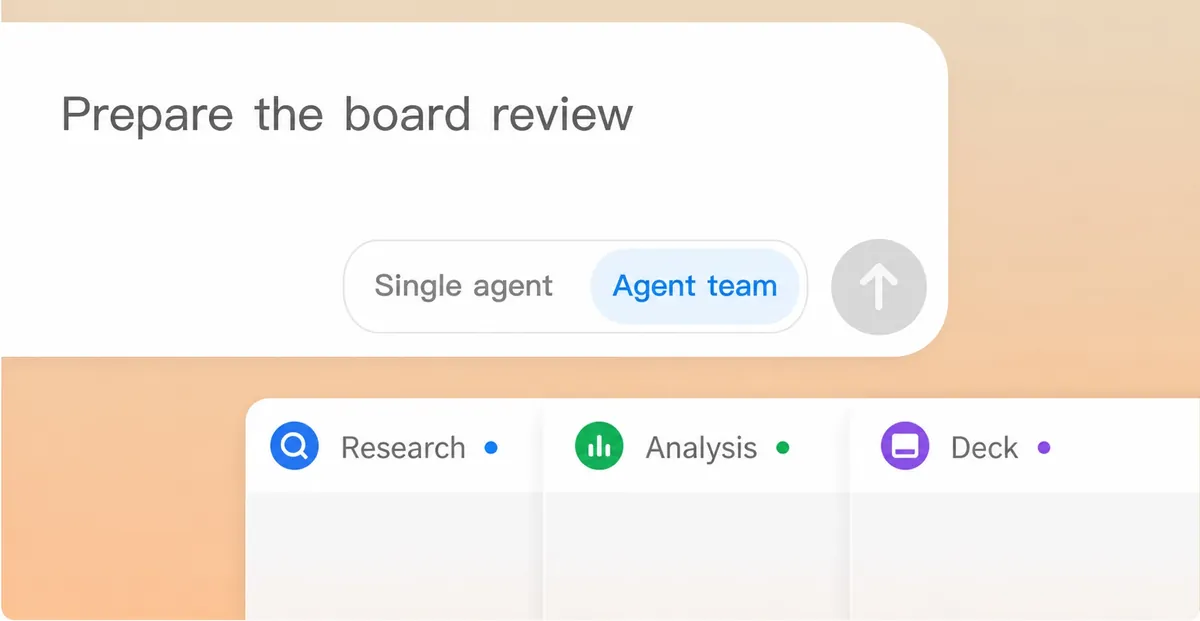
Parallel agents
Split a task across research, analysis, and document creation. Context combines the outputs for review.
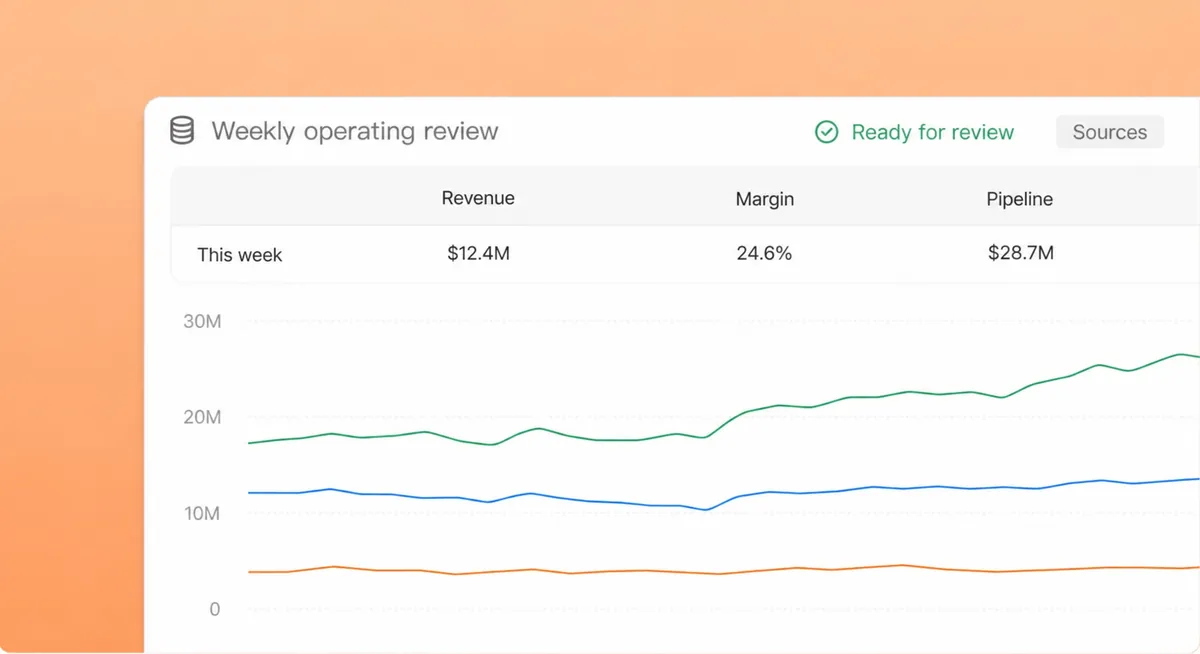
Shared deliverables
Context can update spreadsheets, draft documents, and save the result with its sources and changes attached.
Context Desktop
Tell us which platform your team uses. We'll follow up with availability and setup details.
Signed installers are shared directly with approved preview teams.
Desktop connects Context to local files, browser tabs, and installed applications. The web workspace is where teams manage runbooks, traces, and settings.
Only the files, folders, applications, and connected systems you authorize. Every action is recorded in the run trace.
Local tasks require the device to be online. Tasks can continue remotely when your organization enables the Context runtime.
Yes. Context supports hosted, customer-cloud, on-premises, and fully air-gapped deployments.